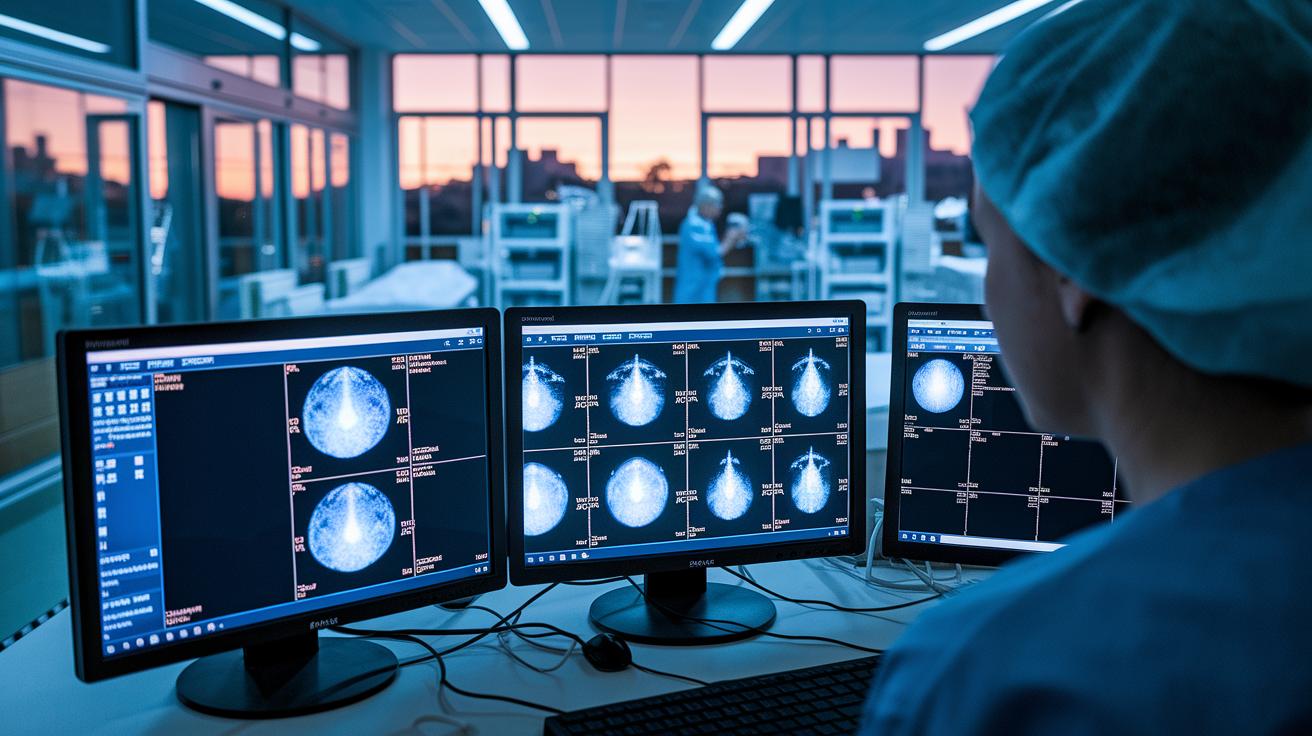

Medical imaging software is proving to be a game-changer in hospitals. By quickly capturing images and linking them directly to patient records, these systems let doctors review cases faster while reducing the need for traditional film processes. In some hospitals, report turnaround times have been cut by up to 30%, easing the workload on healthcare teams and keeping costs down.
Essential Overview of Medical Imaging Software in Hospitals
Hospitals rely on medical imaging software to simplify how they capture, store, and access images from tools like CT, MRI, ultrasound, and X-rays. Systems such as Radiology Information Systems (RIS) and Picture Archiving and Communication Systems (PACS) work with these machines by following DICOM protocols (a standard for image data exchange) so that images and related information always come out in a clear, consistent format. They also connect with electronic medical records (EMR) to join diagnostic images with patient histories, which helps doctors review cases faster. In some cases, hospitals have seen report turnaround times improve by 30% and film costs drop by up to 80%.
These software systems are key for diagnosing illness, conducting research, and managing patients. The systems track image workflows from the moment they are taken until the final report is ready, which makes operations smoother and helps doctors make better decisions quickly. Sharing images easily also boosts teamwork among specialists, leading to smarter treatment choices. Hospitals using advanced imaging systems have reported faster report times and significant cost savings that ultimately improve patient care.
Digital Archiving Solutions: PACS Versus Vendor-Neutral Storage
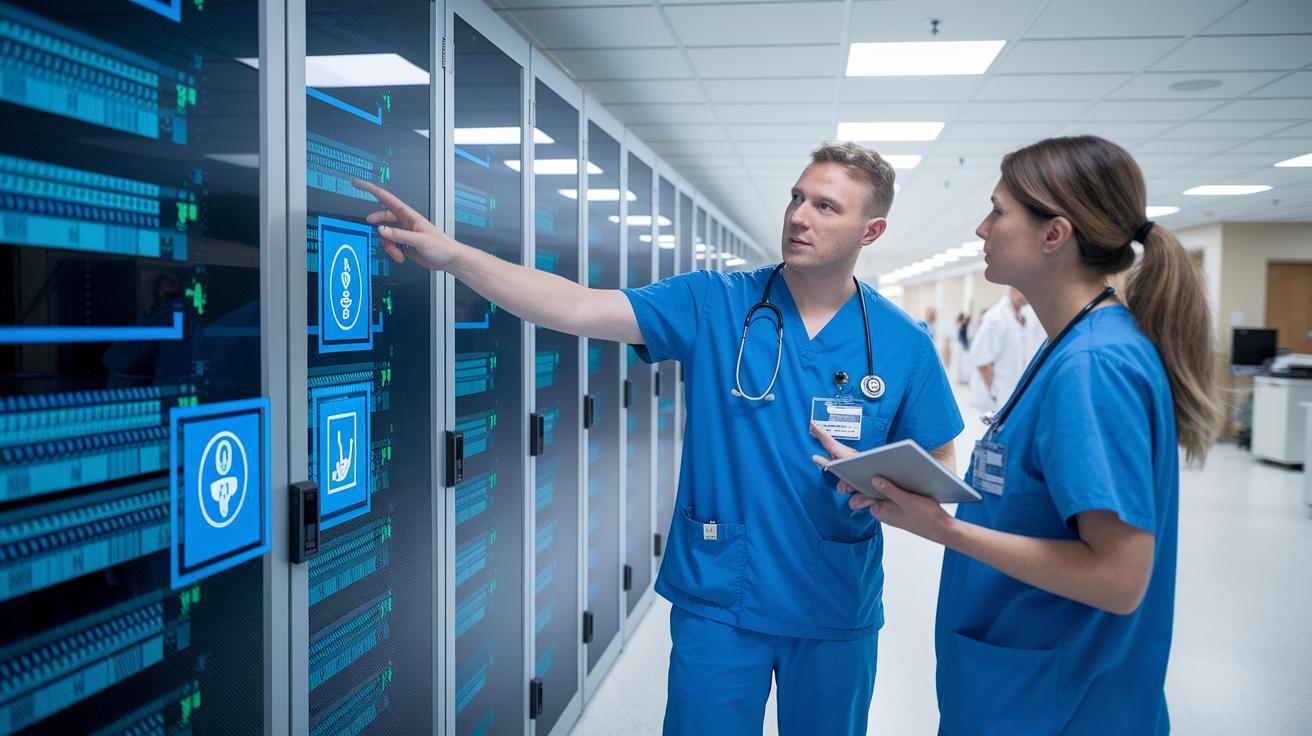
PACS systems are the traditional way hospitals store and share DICOM images locally. They work well with specific hardware and software, but they can limit image sharing between different systems.
Vendor-neutral storage (VNA) breaks the link between storage and viewing software. Hospitals using VNA can access images across many platforms without getting stuck with one vendor. These systems use high-grade tools like RAID arrays and smart data compression to shrink file sizes by up to 50% while keeping images safe for a long time. In many large health networks, VNA handles over 70% of imaging data and offers storage from 50 to 500 terabytes to manage growing needs.
| Storage Model | Vendor Lock-In | Scalability |
|---|---|---|
| PACS | Tied to specific vendors | Limited flexibility |
| VNA | No vendor lock-in | High, cross-platform |
| Cloud Archive | Neutral, external management | Very scalable |
Workflow Integration and Interoperability Standards in Hospital Imaging Software
Hospital imaging software is designed to work smoothly with systems like electronic medical records (EMR) and hospital information systems (HIS). It uses common standards such as DICOM, HL7, and IHE. This setup links imaging, scheduling, and reporting tools so that data flows automatically. One healthcare team even described syncing patient data as feeling like using a universal remote for all devices. These connections help reduce manual data entry errors by up to 40%, letting doctors access important images and reports without delay.
Cloud-based radiology networks take these benefits further by allowing image sharing across multiple sites. This support for teleradiology means specialists can quickly review scans from different hospitals. It also lets teams work together in real time, no matter where they are. This approach helps provide timely diagnoses and treatment decisions by removing geographic hurdles.
At the heart of these systems is the synchronization of patient information. Keeping records consistent across diagnostics, scheduling, and reporting reduces miscommunication and speeds up image delivery. By following these standards, hospitals create a reliable base for making clinical decisions. This, in turn, boosts overall efficiency in imaging operations.
Advanced Analysis and Visualization: AI, 3D Reconstruction, and Post-Processing

Modern imaging systems now feature AI tools that quickly spot lesions with up to 95% accuracy. In simple terms, machine learning helps break down scans by outlining organs and measuring their size. Picture it as having a helpful second pair of eyes that never takes a break. For instance, a digital assistant might flag a suspicious area in seconds, letting radiologists focus on tougher cases. This smart mix of AI and machine learning speeds up diagnosis and boosts confidence.
Powerful graphics processors now turn regular scans into detailed 3D models. These engines merge different scan types, like PET/CT or MRI, into one live image, giving doctors a full picture at a glance. Think of it like overlaying a black-and-white map with a colorful guide that brings out hidden details. This clear, unified view helps with deep diagnostic checks and planning surgeries.
After scanning, special software cleans up images even more. Noise reduction cuts background clutter by 20-25%, and contrast tweaks highlight important tissue details. Additional filters fix any remaining glitches to produce clear, high-quality images. These advances help ensure every scan meets high standards for diagnosis, research, and patient care.
Security, Compliance, and Quality Control in Hospital Imaging Software
Hospital imaging software handles patient data that is protected by rules such as HIPAA and GDPR. These systems use strong encryption to safeguard every image and report. Data stored on the system is secured with AES-256 encryption, and data sent over networks is protected with TLS 1.2 or later. Access is managed by user roles so that only authorized staff can view or modify information. Every user action is recorded, making it easier to spot unusual activity, for example, when a radiologist opens a patient record.
Built-in quality control features keep the system reliable by constantly checking image integrity and uptime. Automated alerts notify staff if an image does not meet quality standards, allowing technicians to quickly fix any problems. The software also helps hospitals meet regulatory requirements, such as FDA 21 CFR Part 11 reporting, and maintains a complete chain-of-custody for clinical trial data. This strong focus on quality and compliance builds trust in the imaging system and supports secure, efficient hospital workflows.
Evaluating and Selecting Imaging Software for Hospital Environments

When choosing imaging software, procurement teams need to look at many important details. Key factors include checking if the system follows standards like DICOM (a medical imaging protocol) and HL7 (a health data exchange standard), ensuring the user interface is simple and clear, and verifying that the vendor provides strong service agreements and a clear plan for future upgrades. Using decision scorecards can help compare different platforms based on how well they connect with other systems (interoperability), their data analytics capabilities, and security measures. It’s also important to consider the total cost, which goes beyond the initial software license to include hardware, maintenance, and training costs. This complete picture helps hospitals plan for long-term expenses and benefits. For example, a hospital might compare two systems by balancing upfront costs with expected savings from reduced manual work.
Scalability is another key factor in the decision. Hospitals that see a growth in imaging volume of 10% to 15% each year need software that can expand without causing bottlenecks. Integration support services and consultancy can reduce deployment time by about 30%, making the transition smoother and more cost-effective. By including these services in the evaluation, facilities can be sure the chosen platform meets current workflow demands and can handle increased work and new functions over time. This balanced approach helps procurement teams make choices that fit both financial limits and the need for robust, future-ready imaging solutions.
Final Words
In the action, the post captured how integrated imaging solutions streamline workflows and improve patient care. It covered comparisons between traditional PACS and vendor-neutral systems while showing how platforms sync with EMRs and support remote consultations. It also explored advances in AI, 3D reconstruction, and robust security measures.
This approach to medical imaging software used in hospitals helps simplify complex processes, enabling timely and accurate diagnostics. With these advancements, healthcare providers are better equipped to deliver care with confidence and efficiency.
FAQ
What is medical imaging software in hospitals used for?
The medical imaging software in hospitals manages image acquisition, storage, retrieval, and diagnostic reporting. It integrates modalities like CT, MRI, ultrasound, and X-ray to streamline patient management and research.
How do PACS systems differ from vendor-neutral archives?
The difference lies in storage and flexibility. PACS stores DICOM images on-site and is tied to specific vendors, while vendor-neutral archives decouple storage from viewing software, allowing cross-platform access and higher scalability.
How does hospital imaging software integrate with other systems?
Hospital imaging software uses DICOM, HL7, and IHE profiles to connect with electronic health records and hospital information systems. This ensures smooth patient record synchronization and supports remote image consultations.
What advanced processing features are available in modern imaging software?
Modern imaging tools incorporate AI for automatic lesion detection, machine learning for segmentation and volume assessment, and GPU-accelerated 3D reconstruction, enhancing image clarity and diagnostic confidence.
How does imaging software ensure data security and regulatory compliance?
Imaging software protects sensitive data with AES-256 encryption for stored files and TLS 1.2+ for transmitted data, alongside role-based access controls, audit trails, quality control protocols, and compliance with HIPAA and GDPR.
What factors should hospitals consider when selecting imaging software?
Hospitals should evaluate systems for DICOM/HL7 compliance, user-friendly interfaces, vendor service agreements, cost-effectiveness—including licensing and maintenance—and scalability, ensuring the chosen platform meets growing imaging demands.